Flutter vs native.
Which fits your product?
Flutter is a cross-platform framework, not a traditional hybrid web wrapper. Learn when its shared codebase fits—and when native deserves a closer look.
Is Flutter native or hybrid? The direct answer
Flutter is a cross-platform framework. For production Android and iOS apps, its Dart code is compiled to native machine code, and Flutter usually draws the interface with its own rendering engine. It is not a traditional hybrid app that displays its main interface as a website inside a WebView.
The word “native” can mean two things here. A Flutter mobile app runs compiled code on the device, but its usual interface is not built from the operating system’s standard widgets in the same way as a Swift or Kotlin app. Flutter can integrate native APIs, code and platform views when the product needs them. That distinction is more useful than choosing a label alone.
Start with the feature that could change the estimate
Imagine two apps. One lets customers browse services and book a visit. The other records audio in the background, talks to specialist hardware and must keep working when connectivity disappears. They may have the same number of screens, but they present very different engineering risks. A framework comparison should begin with those risks—not a popularity chart.
Write down the three features that would stop your business if they failed. Ask your development partner to demonstrate the riskiest one on the actual devices you intend to support before you commit to the full build.
What a shared codebase actually gives you
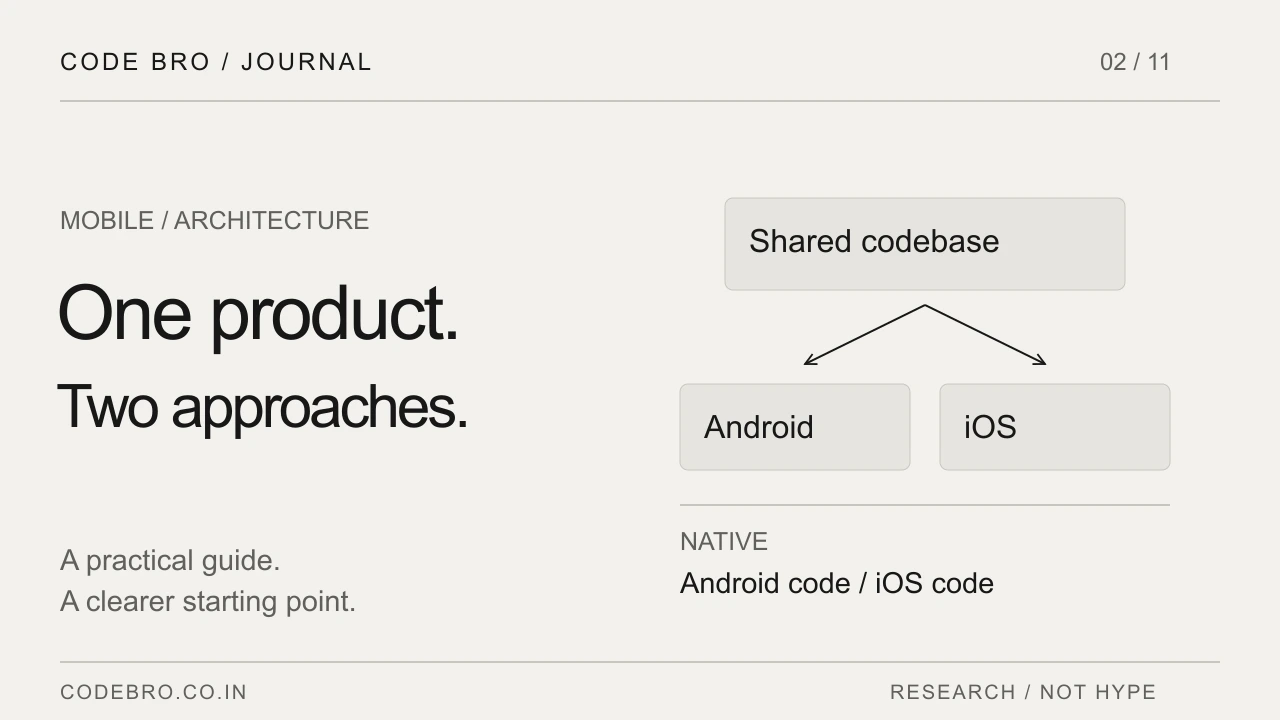
Flutter supports applications across multiple platforms from a shared codebase. Its documentation also makes room for platform-specific integrations through plugins and native code. Shared does not mean identical: permissions, background behaviour, navigation conventions and release preparation can still differ between Android and iOS.
For a customer-facing app with similar journeys on both platforms, sharing interface and business logic can reduce duplicated work. Treat that as a potential delivery benefit, not a promise that two platforms cost the same as one. Ask which parts of your particular product will remain platform-specific.
When native deserves a closer look
Native development may be worth investigating when the product depends heavily on one operating system, new device capabilities or an existing native codebase. The decision also depends on the engineers who will maintain the product after launch. A theoretically elegant stack is less useful if your team cannot support it.
For example, a company with an established iOS engineering team and a specialised iPhone-only product has a different starting point from a small business launching the same booking service on Android and iOS. Neither decision should be treated as a universal recommendation.
Compare a small proof, not two sales pitches
Give both approaches the same acceptance task: sign in, use the difficult integration, interrupt the connection and recover without losing the user’s progress. Review the result on a modest Android phone and an iPhone, rather than judging only a desktop simulator.
Ask the team to record dependencies, unsupported cases, performance observations and remaining unknowns. A small proof should answer one expensive question. It does not need a complete design system, every screen or production customer data to be useful.
Budget for the product around the app
The framework does not remove backend work, account recovery, administration, monitoring or customer support. Separate those costs from mobile interface development when you compare proposals. Otherwise, an apparently cheaper framework estimate may simply exclude more of the product.
Also compare release ownership, automated checks, dependency updates and access to source code. A maintainable app is an ongoing responsibility. Decide who will assess operating-system updates and third-party package changes before those changes block a release.
Bring these five answers to your first discussion
Prepare your target devices, hardest integration, offline requirements, existing team skills and first-release deadline. Mark which features must behave differently on each platform. That information turns “Which framework is best?” into a decision that can be tested.
The practical conclusion: choose the approach that handles your real constraints with an acceptable maintenance burden. A short technical investigation is often a better starting investment than committing to a framework before anyone has tried the difficult part.
What should a Flutter versus native development quote compare?
Ask both teams to estimate the same user journey, backend, integrations and device tests. Separate shared code from platform-specific work, and include store preparation and maintenance responsibilities. Comparing only the price per screen hides important differences in what will actually be delivered.