Mobile app launch checklist
Android, iOS and the work beyond the build
A practical mobile app release checklist covering real-device testing, store access, backend readiness, Android compatibility and launch ownership.
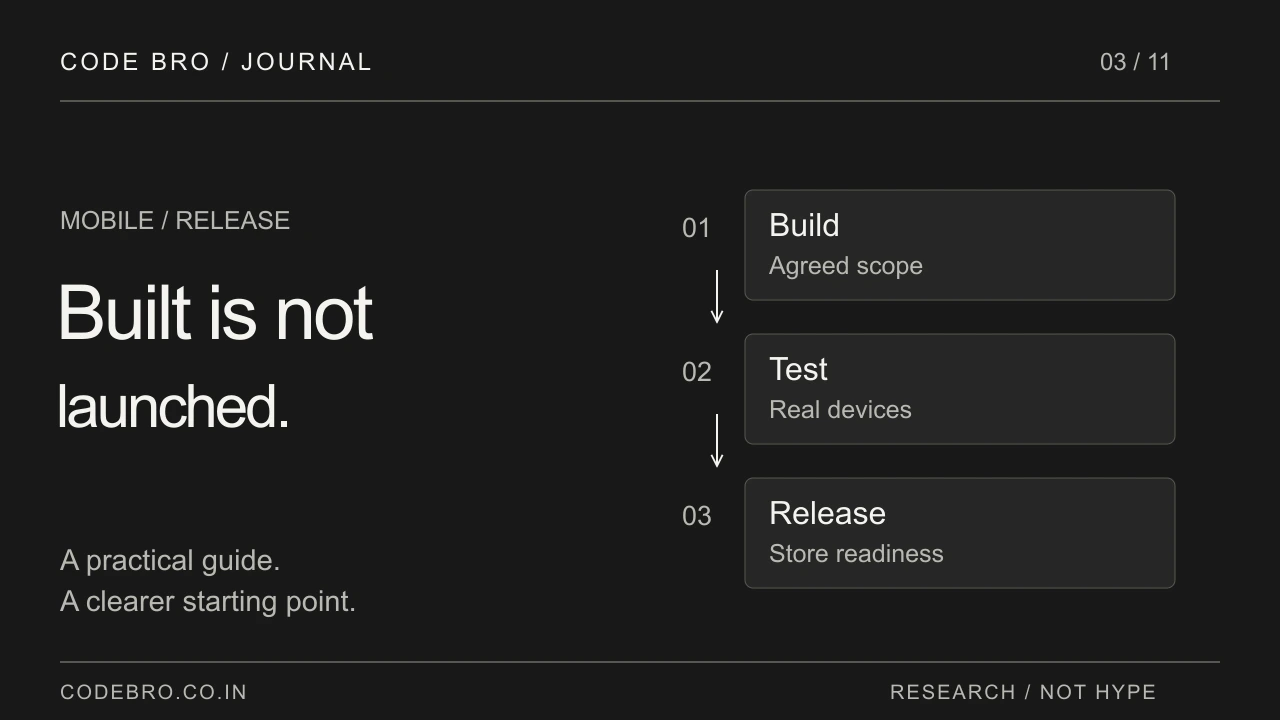
“It builds” is the beginning, not the finish
A successful build proves that a package was produced. It does not prove that a customer can sign in, complete a purchase or receive a booking update. Before announcing a launch, agree what a release-ready customer journey looks like and who will demonstrate it.
Use a fresh installation and a normal customer account. An app that works only with a developer’s existing session can hide onboarding problems. Record the build version, device and environment beside every acceptance result so the team knows exactly what was checked.
Give reviewers a product they can actually use
Apple’s submission guidance asks for complete metadata, working backend services and full review access, such as an active demo account or an appropriate demo mode. It also asks developers to test for crashes and explain non-obvious features. These are submission preparations, not a guarantee of approval.
Create a separate review-access checklist. Can the reviewer reach the service from outside your office? Does the demo account have useful sample content? Will a location restriction or expired login prevent evaluation? Assign someone to keep that access working throughout review.
Check Android compatibility in the release artifact
Android’s current guidance requires attention to 16 KB memory-page compatibility, particularly when native libraries or SDKs are included. The official page currently states that incompatible app updates targeting Android 15 and higher will be blocked from release from 1 February 2027. Verify the current guidance and your Play Console notices when preparing a submission.
Ask your developer to inspect the actual release package and test the relevant environment. Updating your own code is not enough if an embedded SDK still contains incompatible native libraries. Keep the resulting compatibility evidence with the release notes.
Test interruptions, not just the happy path
Run the core journey while changing networks, denying a permission and reopening the app. For a booking product, check what the customer sees when a chosen slot becomes unavailable. For shopping, check what happens when payment confirmation arrives after the customer closes the app.
Keep tests proportionate to the product. A short, repeatable list of operationally important scenarios is more valuable than hundreds of unchecked boxes. Include one person from the business who can recognise an incorrect result even when the screen looks polished.
Prepare the people and accounts behind the release
Name the owners of store accounts, signing access, hosting, support email and third-party integrations. Keep accounts under the agreed business ownership rather than assuming they can be transferred easily later. Decide who can publish an update and who approves its customer-facing changes.
Prepare a support route and a way to identify the affected app version. Plan what the team will do if the release produces a serious issue: pause rollout where supported, disable an affected service safely or ship a corrective update. Recovery needs a named owner.
A sensible go/no-go conversation
Before launch, ask four questions: can a new customer finish the main task, can operations manage the result, can reviewers access the product, and can the team respond to a failure? Any unresolved answer should have an owner and a decision.
Do not turn an announced date into a reason to ignore a broken core journey. A launch is the point at which customers begin depending on the product. Treat readiness as a shared business and engineering decision, supported by evidence from the build you will actually release.
What should be included in mobile app release preparation?
Request an agreed checklist covering the final build, test devices, customer onboarding, live backend, store assets, reviewer access and account ownership. Assign an owner for each item and record the release version tested. Submission assistance and a working app do not guarantee store approval.